Sales and CRM
Leads from every channel in one CRM, call and email outcomes logged automatically, follow-ups that do not depend on memory.


Your team copies data between tools and chases leads by hand. We connect the systems you already use with n8n and add AI where it saves time.
Leads from every channel in one CRM, call and email outcomes logged automatically, follow-ups that do not depend on memory.
Approvals, reports, document flows and data sync between the tools your team works in.
Chat assistants that answer from your own content, ticket triage and handoff to people.
We list the workflows people repeat, the tools involved and how much time each one takes.
Workflows in n8n, with custom code where a no-code step is not enough, tested on real data.
Monitoring, alerts and support, with documentation your team can read.
Zapier is quick to start with, but it charges for every task, so the bill grows as you automate more. n8n can run on your own server for a flat cost, keeps your data in your infrastructure and lets an engineer add code when a flow needs it.
We work with both and often move growing companies from Zapier to n8n step by step.
n8n is an open-source workflow automation tool. It connects apps through their APIs, can run on your own server, and lets developers add JavaScript or Python code inside a workflow.
A single workflow, such as sending new leads from a form to the CRM with a follow-up task, usually takes a few days including testing. A full migration from Zapier takes several weeks and is done in groups of flows, so nothing stops working.
Yes. An LLM step can classify incoming requests, extract data from emails and documents, draft replies or score leads, and the rest of the workflow stays as it is.
Yes. We set up monitoring and alerts and can stay on as second and third line support, as we do for a US real estate brokerage whose automation layer we have run for more than a year.
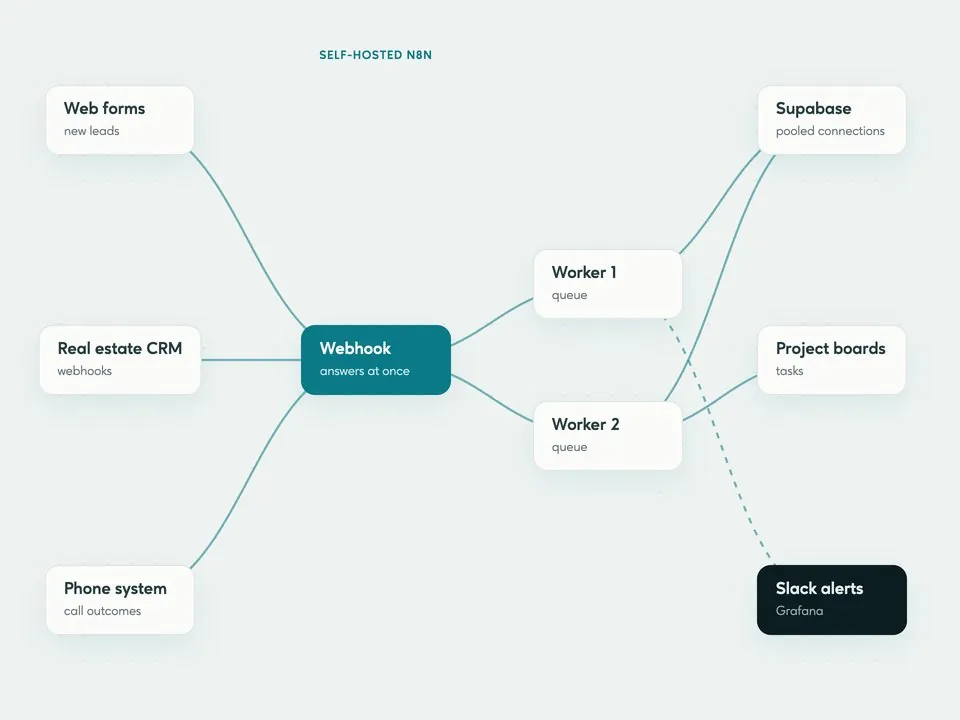 Real estate
Sales, operations and marketing workflows moved from Zapier to self-hosted n8n, with one team responsible for all of them
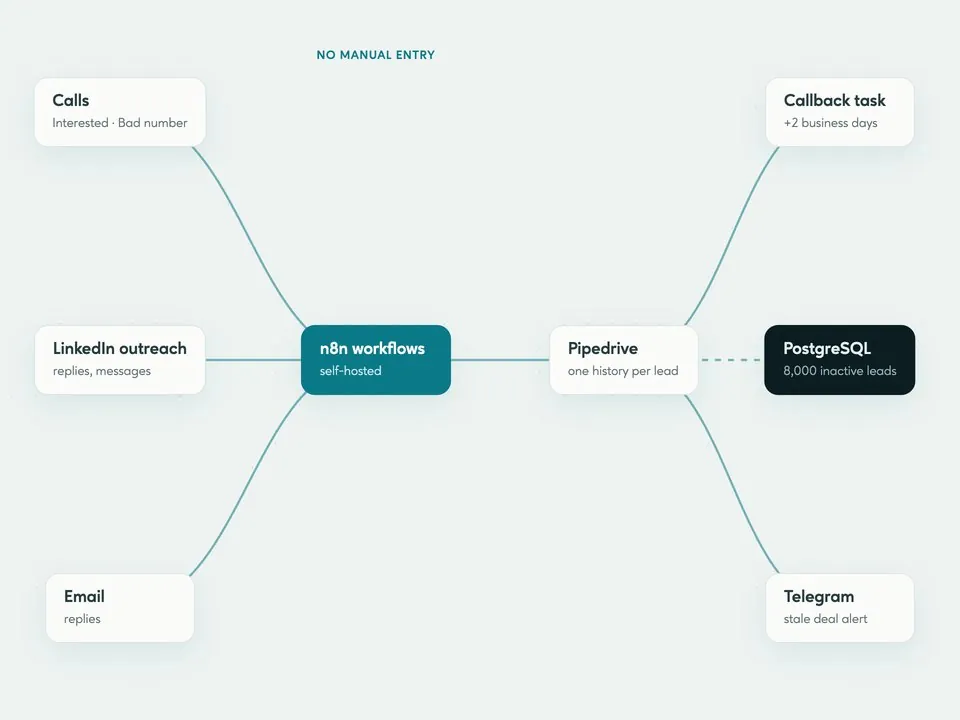 IT services
How we stopped our sales team from logging calls and messages by hand
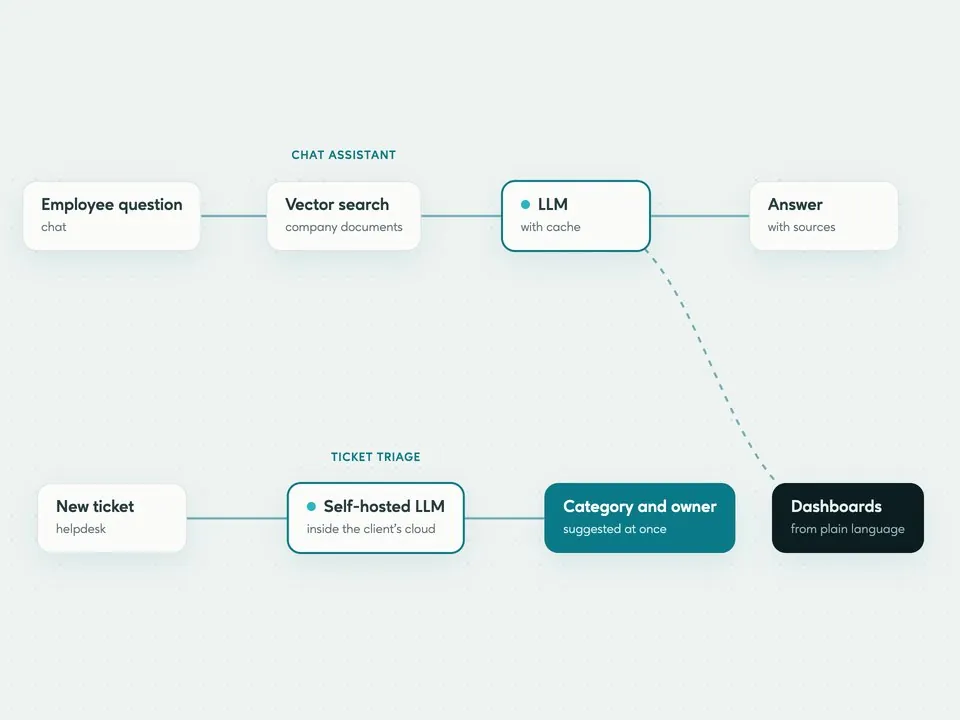 HR & BPO
LLM features added to a working enterprise platform: chat, ticket triage, insights and dashboards
Answers from our site, powered by AI
AI-generated answers may be inaccurate. Messages are processed by a third-party AI provider. Privacy policy