

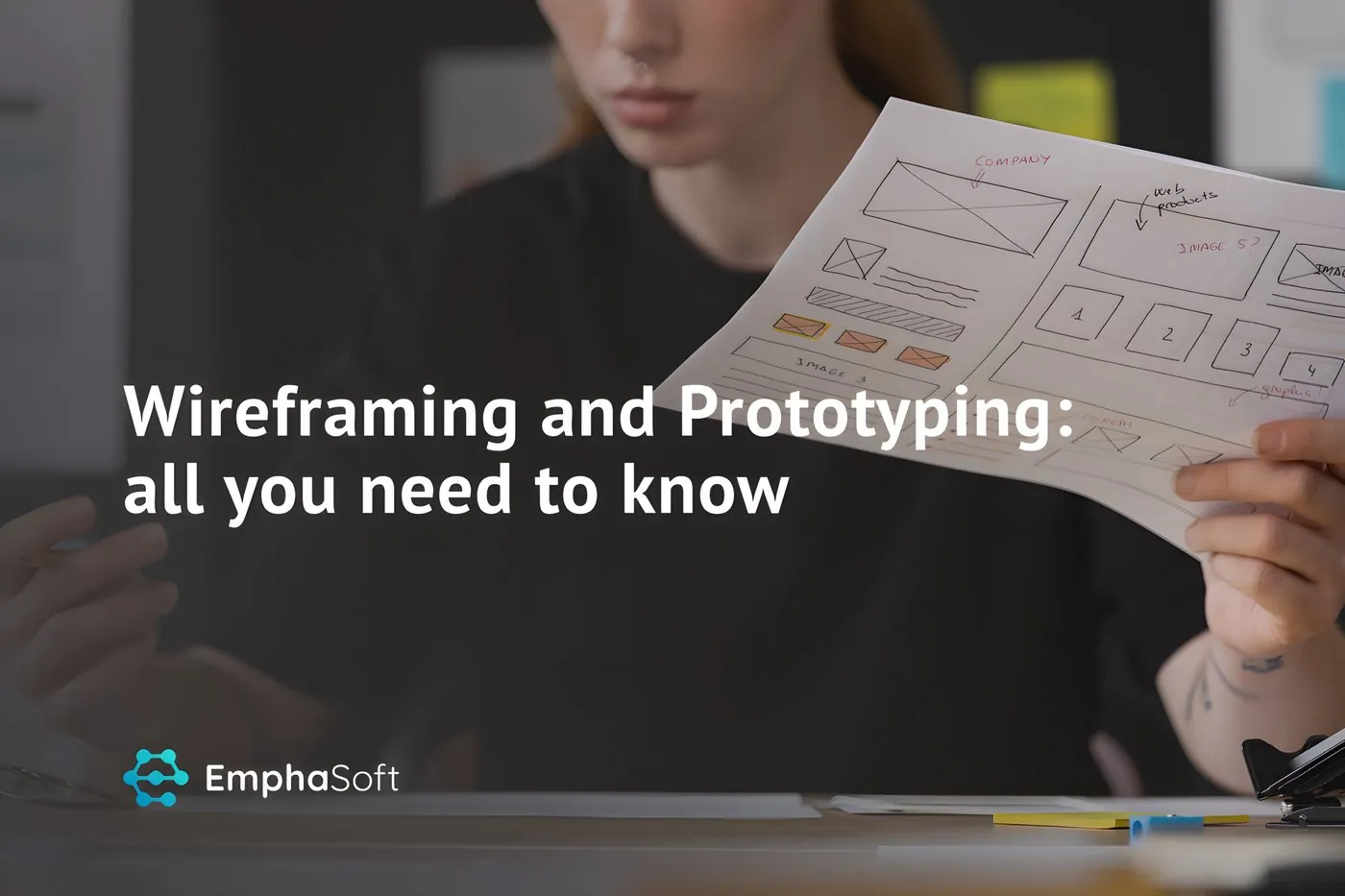
Wireframing and prototyping are two of the most useful practices in product design. Both turn an idea into something people can see and react to before developers write code, so designers, developers, founders and clients can agree on what is being built.
People often use the terms interchangeably, though they mean different things. A wireframe shows structure, and a prototype shows how the product behaves. Knowing which is which, and when to use each, saves weeks of rework.
This guide covers what wireframing and prototyping are, how they differ, how to move from wireframe to prototype, which tools teams use in 2026 and the mistakes that come up most often.
What is wireframing and prototyping?
In UX design, wireframing means creating a simple, usually greyscale layout of a screen that shows where content and controls go and how information is organised. Prototyping means creating an interactive model of the product that people can click, tap and move through as if it were real.
Both belong to the same process. Wireframes come first and answer "what goes where?". Prototypes come later and answer "how does it work, and does it work for users?". Used together, they let a team test ideas while a change still costs minutes instead of sprints.
What is wireframing?
A wireframe is a low-fidelity outline of a future interface. You can think of it as the MVP of design: the minimum needed to discuss layout, hierarchy and user flow without colours or fonts getting in the way.
Wireframes are quick to make. When there are many options to compare or time is short, designers can sketch several variants, gather feedback from stakeholders and potential users, and change direction easily before anyone invests time in visual design.
There are no strict rules, but wireframes typically:
- Use simple boxes and placeholders instead of images and icons.
- Stick to black, white and shades of grey.
- Use placeholder or rough draft text, although real headings and labels make feedback much more useful.
- Focus on layout, navigation, content priority and the main user flows.
They range from paper or whiteboard sketches to clean digital layouts. Low-fidelity sketches work best for exploring many ideas; mid-fidelity digital wireframes are better for agreeing on a structure with the team.
What is prototyping?
A prototype is an interactive simulation of the product. It can be a rough clickable version of the wireframes or a high-fidelity model that looks almost exactly like the final app, with branding, real content, animations and transitions.
What sets it apart from a wireframe is interaction. Users can click a button and see where it leads, fill in a form or swipe through an onboarding flow. That makes prototypes the right tool for proper usability testing, since people are reacting to something that behaves like the product and their feedback is more reliable for it.
Typical high-fidelity prototypes:
- Closely resemble the final product.
- Include brand identity: colours, typography, imagery and icons.
- Use clickable links, transitions and simple animations to mimic real use.
- Cover complete user journeys, such as sign-up, checkout or booking, including error and empty states.
Prototyping takes longer than wireframing, so it pays off once the structure is agreed and you need to validate the details.
Wireframe vs mockup vs prototype
A third term often comes up in the same conversation. A mockup is a static, high-fidelity picture of a screen: it shows the final visual design but you can't interact with it. The usual progression is wireframe (structure), then mockup (visual design), then prototype (interaction). In modern design tools the line between mockups and prototypes is thin, because you can link static mockups into a clickable prototype in minutes.
Wireframing vs prototyping: key differences
| Wireframing | Prototyping | |
|---|---|---|
| Fidelity | Low to medium | Medium to high |
| Main question | What goes where? | How does it work and feel? |
| Visual design | Greyscale, boxes instead of images | Brand colours, fonts, real images |
| Interactivity | Usually none | Clickable, with transitions |
| Focus | Structure, content hierarchy, flow | Interaction, usability, visual detail |
| Time and cost | Hours | Days, depending on scope |
| Typical use | Exploring options, internal alignment, early feedback | Usability testing, stakeholder and investor demos, developer handoff |
Wireframing helps you decide what to build. Prototyping lets you check, before development starts, that the experience you designed works for users.
When to use wireframing and when to use prototyping
Use wireframing when:
- You have several concepts and need to narrow them down quickly.
- You are defining the information architecture, navigation or the scope of a new feature.
- You need founders, product owners and developers to agree on structure.
- Requirements are still changing and polish would be wasted.
Use prototyping when:
- You want to run usability tests with real target users.
- You need to validate a complex flow, such as onboarding, payments or a multi-step form.
- You are presenting the product to investors, partners or a client who needs to see it working.
- You are handing off to developers and want to remove any doubt about behaviour.
Building high-fidelity prototypes for seven competing concepts will slow a startup down and waste the team's time, so use wireframes to filter. Once one direction wins, a prototype gets you the detailed feedback that wireframes can't.
From wireframe to prototype: the UX process step by step
- Research and goals. Define who the users are, which problem you solve and what a successful outcome looks like.
- User flows. Map the main journeys as simple diagrams: entry points, steps, decisions and outcomes.
- Low-fidelity wireframes. Sketch the main screens quickly, often in several variants each, and review them with the team.
- Mid-fidelity wireframes. Turn the chosen variants into clean digital layouts with real labels and content priorities.
- Clickable low-fidelity prototype. Link the wireframes together to test navigation and flow before any visual design.
- Visual design and high-fidelity prototype. Apply the design system and add real content, states and transitions.
- Usability testing. Give realistic tasks to five or so target users per round, watch where they struggle, fix and repeat.
- Handoff. Share the final prototype and specifications with developers, ideally with components that match the code.
Not every project needs every step. A small internal tool may go straight from wireframes to development, while a consumer mobile app usually benefits from several rounds of prototype testing. Our UX design for startups team adjusts the process to the product's risk and budget.
Wireframing and prototyping tools in 2026
Most teams now do wireframes, mockups and prototypes in a single collaborative tool instead of a separate app for each stage.
- Figma is the most widely used collaborative design tool and covers wireframes, design systems, interactive prototypes and developer handoff.
- Penpot is an open-source alternative that some teams choose for self-hosting or open standards.
- Balsamiq makes deliberately sketchy low-fidelity wireframes, which keeps discussion on structure.
- Axure RP and ProtoPie are used for advanced prototypes with complex logic, conditions or device interactions.
- Paper and whiteboards are still the fastest way to explore ideas in a workshop.
AI features in design tools can now generate draft layouts and starter screens from a text description, and AI coding tools can turn a design into working front-end code quickly. They help with the first draft. Research, flow design and testing with users still have to happen, and a generated screen has to be checked against real user needs and an accessible, consistent design system.
Some teams prototype directly in code, especially for web applications, where a coded prototype can later grow into the product. This works well when the interaction is the risky part, but it costs more than a prototype made in a design tool, so choose it deliberately.
Common mistakes to avoid
- Polishing wireframes. Adding colour and detail too early draws feedback about looks instead of structure.
- Skipping wireframes. Jumping straight to high fidelity locks in early ideas and makes changes expensive.
- Prototyping only the happy path. Real users get stuck on errors, empty states, loading and edge cases.
- Testing with the wrong people. Colleagues and friends are not your users, so recruit people who match your target audience.
- Treating the prototype as the spec. Developers still need clear notes on behaviour, data and validation rules.
- Ignoring platform conventions. For mobile apps, follow iOS and Android patterns so users feel at home.
FAQ
What is the difference between wireframing and prototyping?
Wireframing produces static, low-fidelity layouts that define structure and content hierarchy. Prototyping produces interactive models that show how the product works and let you test it with users.
Which comes first, wireframe or prototype?
Wireframes usually come first. Once the structure is agreed, you add visual design and interactions to build a prototype.
Is a wireframe a type of prototype?
A clickable wireframe is effectively a low-fidelity prototype. A static wireframe isn't, because nobody can interact with it.
Do startups need both wireframing and prototyping?
In most cases, yes. Wireframes help you choose a direction quickly and cheaply, and prototypes check that direction with users before you pay for development.
How long does wireframing and prototyping take?
For a typical MVP, wireframes for the main flows can take days, and a tested high-fidelity prototype a few weeks. The scope of the product and the number of testing rounds make the biggest difference.
Final thoughts
Wireframes let you explore and agree on structure quickly, and prototypes let you test the real experience before development. Doing both, in that order, is one of the cheapest ways to reduce risk in a new product.
EmphaSoft has worked on wireframes, prototypes and full products for startups and established companies since 2010, and we can take a product from first sketches to an MVP and beyond. If you want help shaping your next product, talk to our design and development team.